♫
Sound-Reactive Motion
The visual can change shape in real time in response to microphone input and surrounding sound.
Keep your phone upright on your desk — or pair MV01 with the optional Red Light Sleep Timer iOS app to turn the screen into an interactive ferrofluid-inspired digital visualizer with sound response, touch interaction and customizable effects.
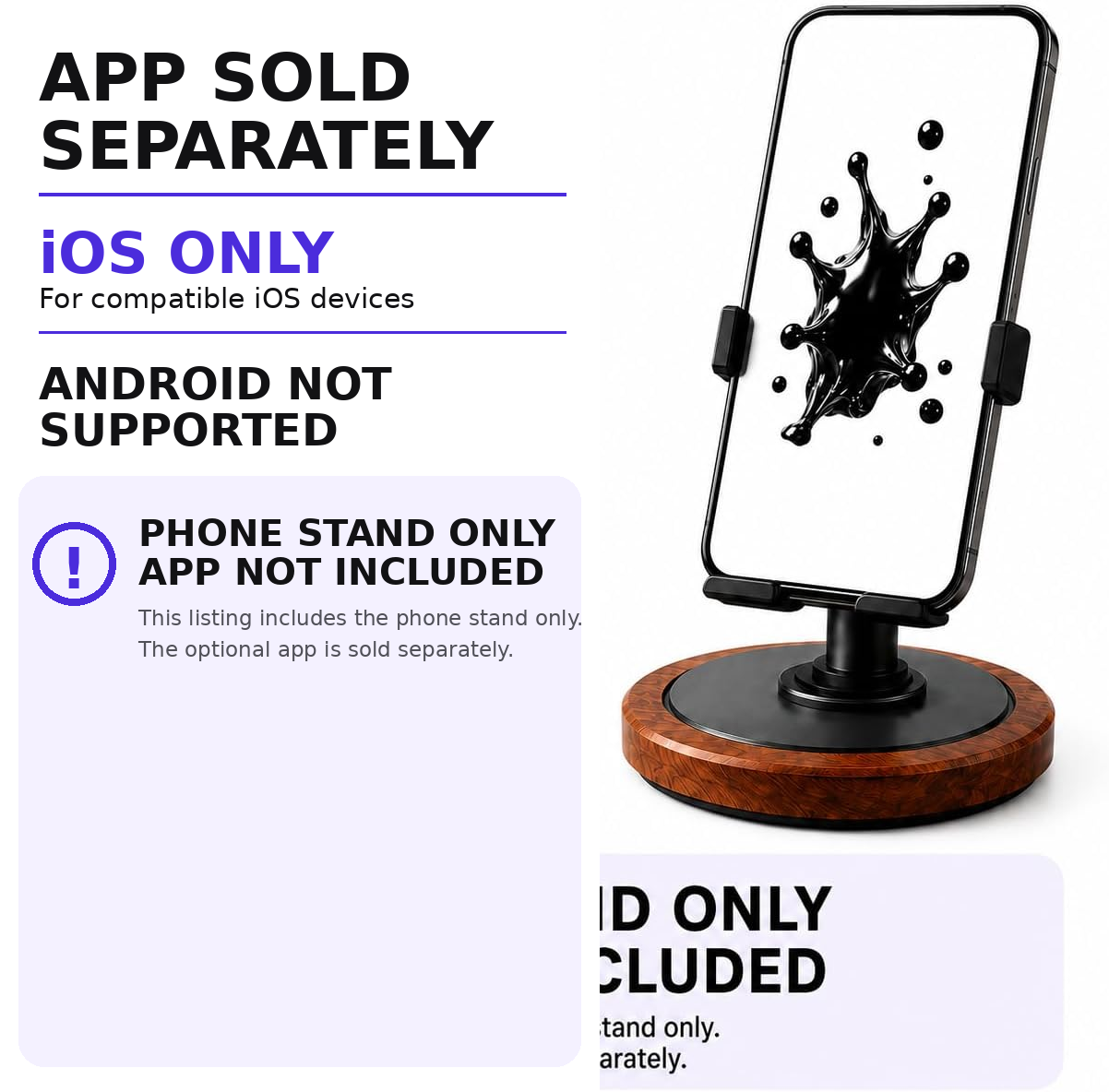
The physical phone stand is sold separately from the optional iOS visualizer experience. Buying the stand does not include an app license.
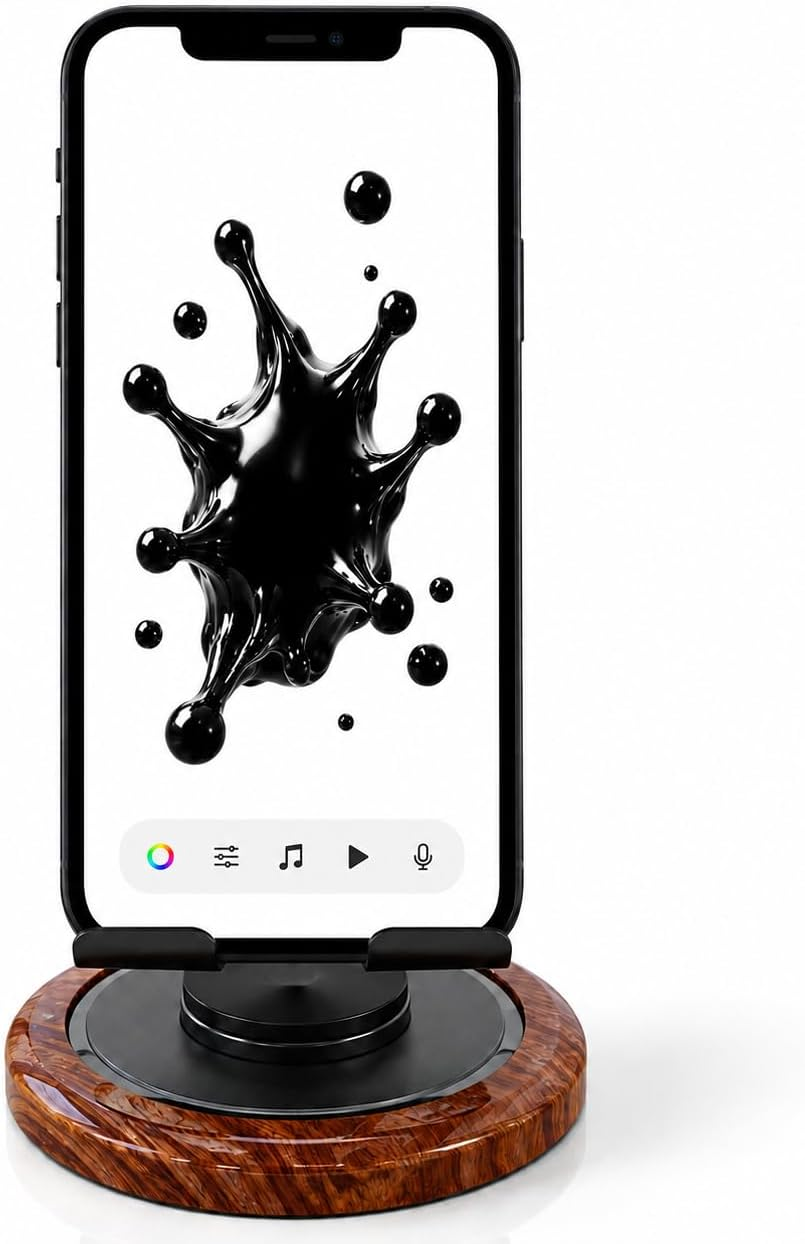
Get the MV01 adjustable aluminum desktop stand for your home office, gaming setup, music room or bedside. View the current product details and purchasing options at our retail listing.
What is MV01?
MV01 is a tabletop smartphone stand designed for everyday hands-free viewing. With the optional iOS companion app, the phone screen can display a ferrofluid-inspired digital visual that reacts to sound, music and touch.
Important: MV01 does not contain physical ferrofluid. The ferrofluid effect is software rendered on the smartphone screen. The app is separate from the stand.
Core Experience
The optional companion app turns a static phone screen into an interactive digital visual element for music desks, gaming setups, creative workspaces, bedrooms and entertainment spaces.
The visual can change shape in real time in response to microphone input and surrounding sound.
Tap to move the visual or drag across the screen and watch it follow your finger.
Choose background colors using grid, spectrum, RGB sliders, hex input or eyedropper.
Switch between different visual materials to create a different look for your setup.
Adjust glow intensity, glow spread, particle count and particle size.
Select supported audio files stored on the iPhone and use the visualizer during playback.
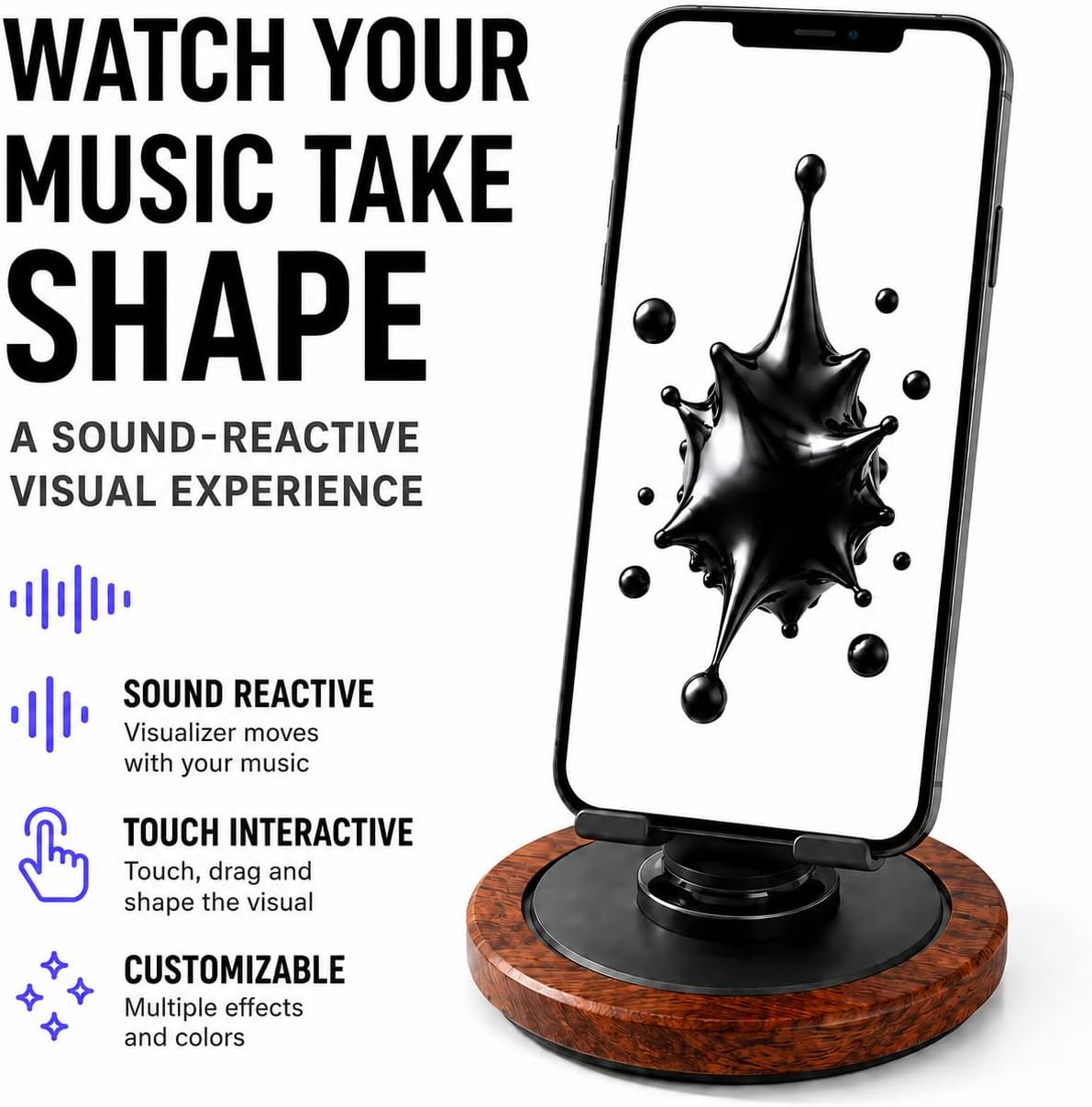
Interactive Visual Display
MV01 keeps the phone stable while the optional app provides the motion. Use the setup as a desk visualizer, a music-room display, or simply as a regular phone stand when the app is not in use.
Touch Interaction
Tap anywhere on the screen and the digital visual moves toward your touch point. Drag your finger across the screen and the visual follows your movement in real time.


Sound-Reactive Mode
In Sound-Reactive mode, the app uses microphone input to drive the visual in real time. Speak, play music from another source or use it beside a desktop audio setup.
Optional Companion App
The Red Light Sleep Timer iOS app provides the optional Ferrofluid Visualizer experience described in the MV01 guide. The app is a separate digital product: the stand purchase includes no app license.
iOS only. iPhone 15 or later is recommended for the best visual performance. Android devices are not supported by the companion app.
How It Works
The physical MV01 stand holds your phone. The optional app provides the interactive visual experience.
Place the stand on a stable desktop and position your phone for comfortable viewing.
Download Red Light Sleep Timer on a compatible iPhone and open the Ferrofluid Visualizer.
Select colors and visual styles, then adjust glow and particle effects.
Use touch, local music playback or Sound-Reactive mode to create motion on screen.
360-degree adjustable aluminum tabletop holder. The interactive visualizer is optional and sold separately.
Customize the Look
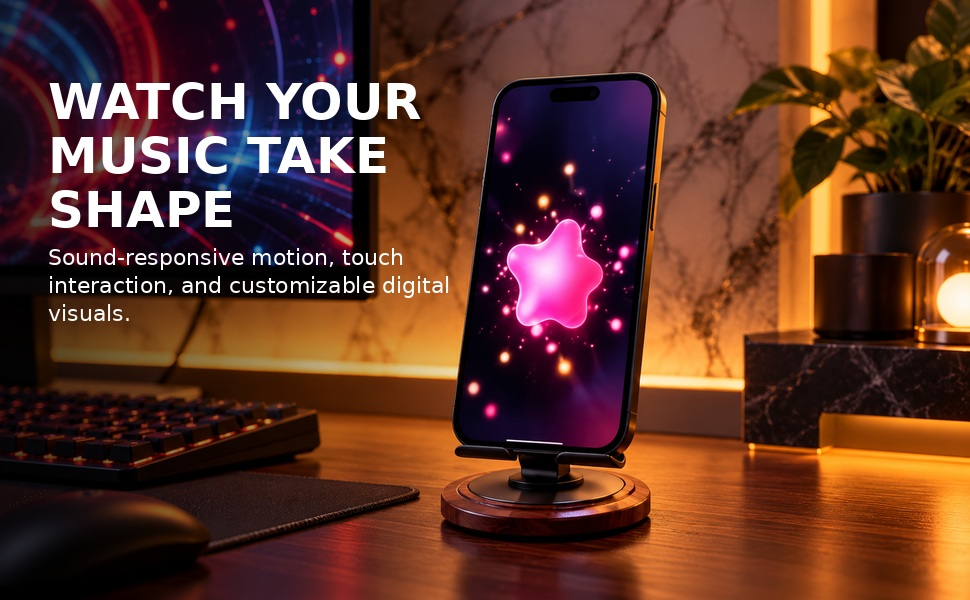
Warm tones, neon colors or cool blue visuals — change the digital experience to fit your desk, room, music or lighting environment.

Dynamic Digital Visual
The ferrofluid-inspired form continuously changes shape. Use sound, music, touch and visual controls to create a screen experience that feels different from a static wallpaper or looping image.
The effect shown here is software rendered on the smartphone screen. No physical ferrofluid or magnetic fluid is contained inside MV01.

MV01 Video
Watch the full MV01 demonstration with touch interaction, sound-responsive motion, customizable visuals and real-world scenes.
MV01 Visual Experience
User Guide
Open the full English online guide for app installation, toolbar functions, background color controls, visual styles, glow, particles, sound-reactive mode, local music playback, touch interaction, troubleshooting and safety guidance.
Frequently Asked Questions
Quick answers about the physical stand, compatible phones, visualizer features and separate app purchase.
Use the Shop MV01 Stand or View MV01 Product button on this page to open the current MV01 retail product listing. The companion app is a separate purchase.
MV01 is a tabletop desktop phone stand for hands-free smartphone viewing. With the optional Red Light Sleep Timer iOS app, the phone can display an interactive ferrofluid-inspired digital visualizer.
No. MV01 includes the physical phone stand only. The optional iOS companion app is separate.
Yes. MV01 works as a regular desktop phone holder without the companion app.
No. The Ferrofluid Visualizer is a digital visual effect shown on the phone screen. MV01 does not contain physical ferrofluid or magnetic fluid.
The app uses live microphone input so the visual changes shape in response to surrounding sound. Microphone input is used only for real-time response; audio is not recorded or uploaded.
Yes. Tap the screen to move the visual toward a touch point, or drag a finger across the screen and the visual follows the movement in real time.
You can adjust background colors, visual styles, glow intensity and spread, particle count and size, local music playback and Sound-Reactive mode.
Yes. The MV01 stand does not include the app license. The retail product information describes a $9.80 one-time purchase for the optional visualizer experience. Confirm current terms inside the iOS app before paying.
The optional companion app is designed for compatible iOS devices. iPhone 15 or later is recommended for best performance. Android devices are not supported by the app.
The user guide lists MP3, AAC, WAV and M4A as supported audio file formats.
Use MV01 as a regular desktop holder, or pair it with the optional iOS app for sound-responsive motion, touch interaction and customizable visuals.